Reporting automation
Someone rebuilds the same report every week
A weekly pack can take a day of copying and checking before anyone reads it. I automate the collection, the checks and the layout, and leave the judgment to the person who used to do the copying.
WHEN TEAMS CALL
When reporting automation helps
- The pack is assembled from several exports.
- It is late when one person is away.
- Figures are checked by eye.
- Commentary is written at the last minute.
When it is not the right fit. If the content changes completely each time, only parts of it can be automated.
HOW I WORK
Reporting automation, step by step
Each step ends with something you can look at, so nothing is built on a guess.
Trace the current pack
I follow each figure back to its source and write down the manual adjustments.
Move the figures to a model
The numbers come from one refreshed model instead of pasted values.
Add checks before release
If totals do not reconcile or data is late, the report is held and the owner is told.
Draft the commentary
The main movements are calculated and described in a draft, which a person edits and approves.
Deliver where people read
Email, Teams, a shared folder or the report itself, on schedule.
WHAT YOU GET
Deliverables
- An automated report on a fixed schedule
- Checks that hold a bad report back
- Drafted commentary based on calculated movements
- Documentation of every figure
WHAT I NEED
To get started
Last month's pack, access to its sources, and the person who prepares it.
Further reading: Microsoft on report subscriptions.
QUESTIONS
Before you ask
Does AI write the numbers?
No. Numbers come from the model. AI only drafts sentences about figures that have already been calculated.
Can it keep our current layout?
Usually yes. A familiar layout makes the change easier for readers.
What if the data is late?
The report waits and the owner is told what is missing. It does not go out with old figures.
RELATED WORK
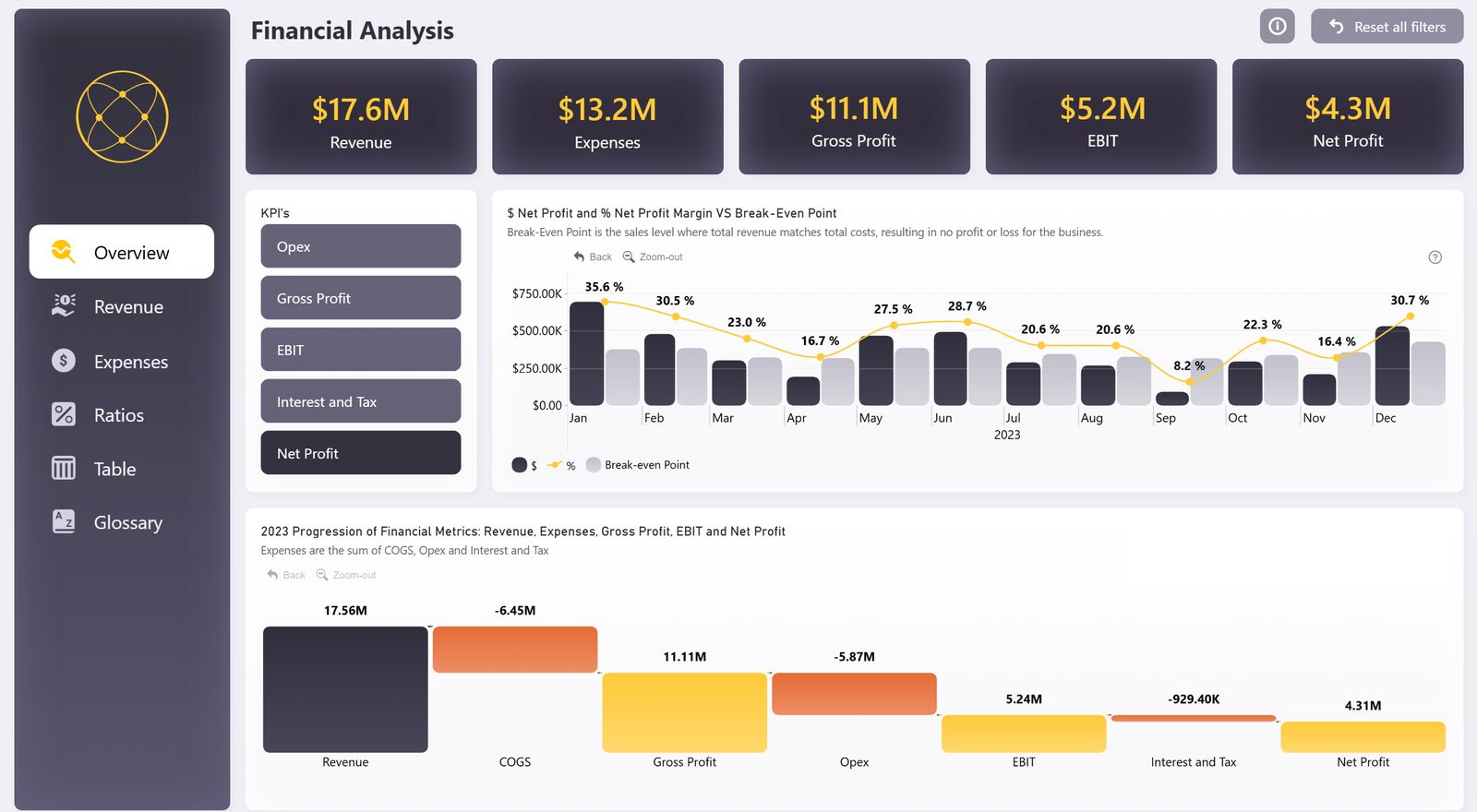
A monthly P&L that was rebuilt by hand became a pipeline that refreshes end to end on its own.
Financial analysis Read the work
WORKING TOGETHER
What to expect
- Who does the work
- I do, from the first conversation to the handover. Nothing is passed to someone else.
- Where it happens
- Remotely, with calls planned around overlapping hours. Your data stays in your environment wherever possible.
- Confidentiality
- I am happy to sign an NDA before seeing anything, and I do not name clients.
- Before work starts
- You receive a written scope and a quotation. Nothing begins until you agree to both.
- At the end
- Everything is documented and handed over, with logic in version control. You own it.
- Reply time
- I answer new requests within one to two days.
RELATED SERVICES
Often needed together.
Tell me what you need. I will send you a quotation.
A few lines about the problem and the data behind it are enough to start. I reply with questions, then a clear scope and a quotation.